Instead of using ads, I am having you mine for crypto currency to support this site. Here are your stats:
You can start or stop at anytime but please wait for some accepted hashes before you do.
Visit Learn Barmaga to learn more about how this works
WHAT'S NEW?
Loading...
Showing posts with label code-stuff. Show all posts


Bulma is a modern, lightweight and design agnostic CSS framework based on Flexbox. Released by jgthms.
Resource from: freebiesbug.com


A tutorial about creating a zoom slider on mockup devices (iPhone, iPad, MacBook, iMac and Apple Watch) by Codrops.


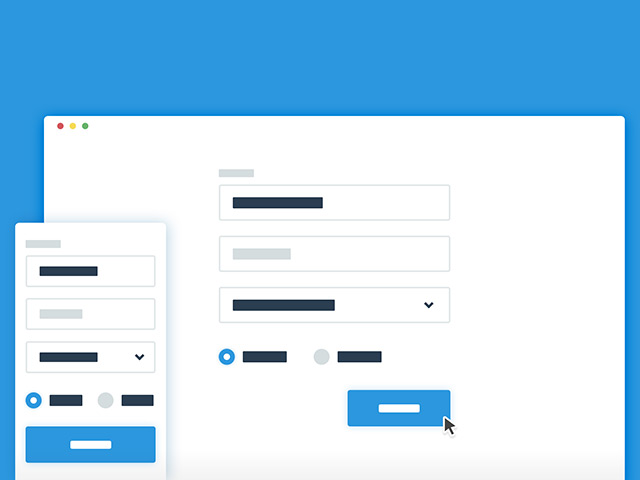
A tutorial about creating some pricing tables animating into a sign up form. Created by CodyHouse.


A ready-made example of a product grid with filtering system using Isotope. Tutorial by Codrops.


iconate.js - Trendy animations for icons

iconate.js is tiny performant javascript library for cross-browser icon transformation animationsin your projects.

Basic Usage

  1. Include the Stylesheet and Javascript files in your html.
        <link rel="stylesheet" href="iconate.min.css">
        <script type="text/javascript" src="iconate.min.js">
    
  2. Create icon element.
       <i id="icon" class="fa fa-bars fa-lg"></i>
    
  3. Animate icon from fa-bar to fa-arrow-right with rubberBand animation.
        var iconElement = document.getElementById('icon');
        var options = {
            from: 'fa-bars',
            to: 'fa-arrow-right',
            animation: 'rubberBand'
        };
    
        iconate(iconElement, options);
    
  4. Following AnimationTypes can be used in iconate call.
    • rollOutRight
    • rollOutLeft
    • rubberBand
    • zoomOut
    • zoomIn
    • fadeOut
    • fadeOutRight
    • fadeOutLeft
    • fadeOutTop
    • fadeOutBottom
    • horizontalFlip
    • verticalFlip
    • bounceOutBottom
    • bounceOutTop
    • bounceOutLeft
    • bounceOutRight
    • rotateClockwise
    • rotateAntiClockwise
    • tada

Public API

iconate(element, [, options] [, callback] )

Animate an icon element.
  • element - Icon Element to perform operations on.
  • options - Object containing options to control the animation.
    • from - Current icon class name (ex. 'fa-bars' in case of font-awesome)
    • to - Final icon class name (ex. 'fa-arrow-right')
    • animation - You can choose any animation from above listed animation types. (ex. 'fadeOutRight')(default: 'zoomOut')
  • callback - Optional callback to execute after animation completes.

Browser Support

ChromeFirefoxIEOperaSafari
4+ ✔16+ ✔10+ ✔15+ ✔6+ ✔

License

Copyright (c) 2015 Jignesh Kakadiya, http://bitshadow.github.io Licensed under the MIT license.
DOWNLOAD SPOT UI KIT PSD
Format : PSDSize :157 MBLicence

Animated page transition

CSS powered animation, that replaces the refresh of the page while the content is updated using Ajax. A tutorial by CodyHouse.

Blueprint_Splitlayout

This Blueprint is a layout with two sides, sometimes seen in portfolio websites of couples and partners. The idea is to show an initial two-sided view and when clicking on a side, the whole page transitions into the respective direction. The individual page of the selected person is shown.
The Blueprint comes with some example media queries and a second demo where the disappearing side scales down. It will work in modern browsers (from IE9 on).


CSS Contact form

A simple and easy to customise contact form built with HTML5 and CSS. Built by Codyhouse.

Textures.js - SVG patterns

Textures.js is a JavaScript library for creating SVG patterns. A repo by .

3D folding panel in CSS

secondary content panel that folds flat, powered by CSS Transformations and jQuery. A tutorial byCodyHouse.

Photography website concept

photography-inspired website template with an expanding stack slider and a background image tilt effect. Tutorial by Codrops.

Motion blur effect with SVG

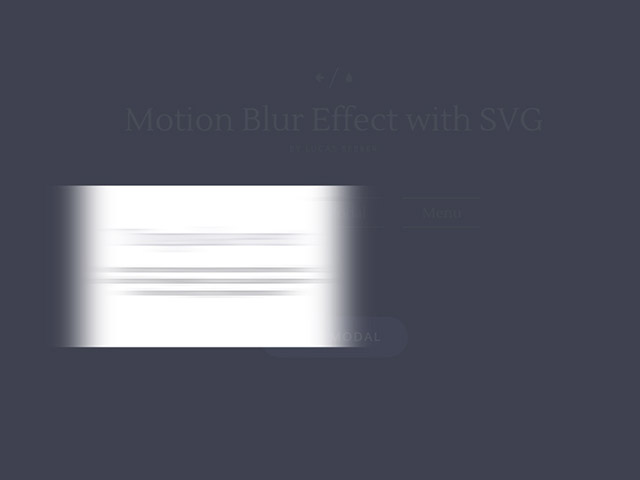
A tutorial on how to create a motion blur effect on HTML elements using JavaScript and an SVG blur filter.